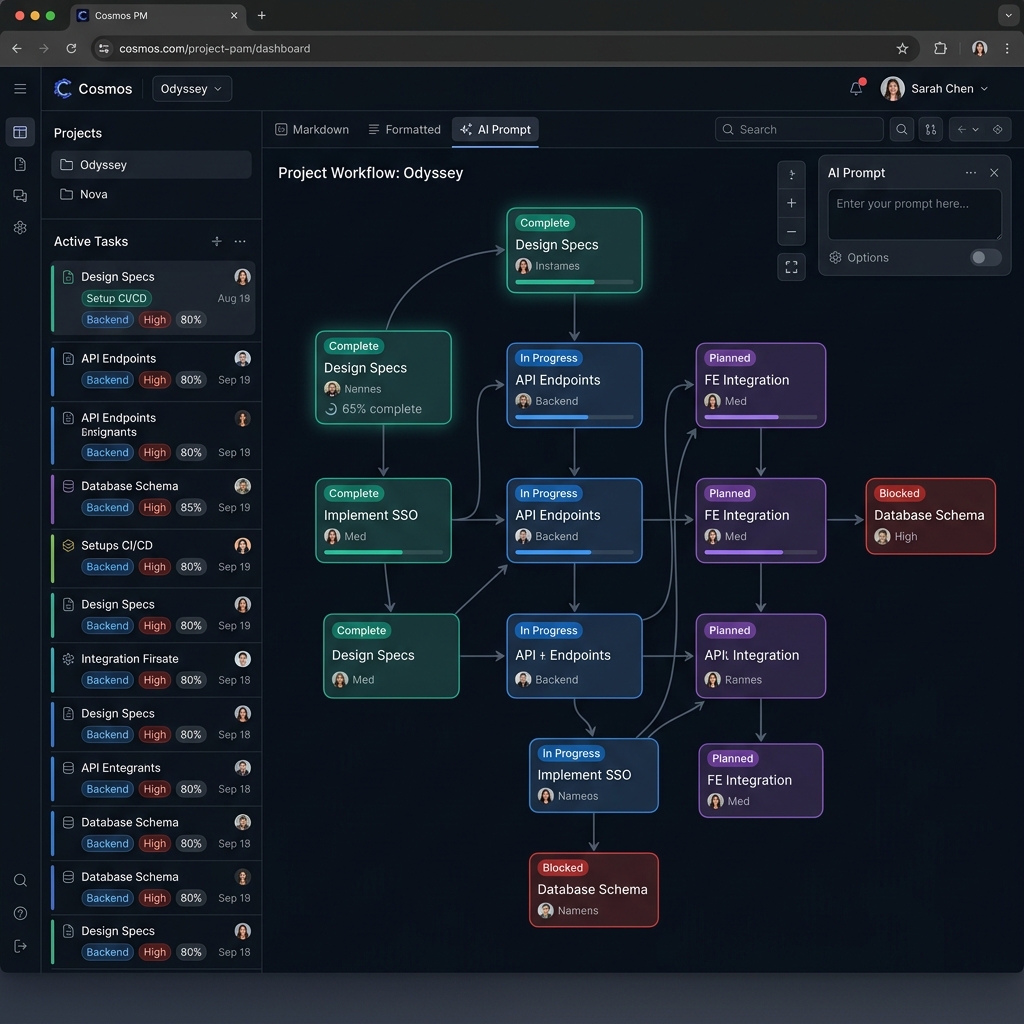
Example Prompt
Generate a detailed project plan using the following syntax rules:
## [Stage Name]
- [ ] ()
@
[ ]()
RULES:
1. Stages (##) with the same number (e.g., "Phase 0") indicate parallel work streams and should be stacked vertically in visualization
2. Sequential stage numbers (Phase 0 → Phase 1) indicate series/chronological progression
3. Each task must have a unique integer ID
4. Tasks include duration in days: (X days)
5. @mentions assign responsibility (informational only)
6. [ ](x, y, z) defines dependencies - tasks that must be complete before this can start
7. [ ](0) means no dependencies (can start immediately)
8. Tasks can link across different phases
Please generate a complete project plan for: [INSERT PROJECT DESCRIPTION HERE]
The plan should include:
- 4-6 major phases/stages
- 25-35 total tasks across all phases
- Logical dependencies that create a realistic critical path
- Mix of parallel and sequential tasks within and across phases
- Realistic durations that reflect the complexity of each task
- Assignments using @mentions for key roles/people
- Tasks that sometimes depend on multiple predecessors
- Tasks that sometimes have no dependencies [ ](0)
Make the project specific and detailed with:
- Concrete, descriptive task names
- Realistic team compositions
- Authentic dependencies that tell a story about how the work flows
- A mix of creative, technical, logistical, and administrative tasks
Format the response exactly according to the syntax above, with no additional explanation.
A plan is a hierarchical document divided into Stages (e.g., Phases). Each Stage contains a list of Tasks. The relationships between Stages define the horizontal and vertical layout, while the links between Tasks define dependencies.
Ruleset for Project Plan Structure
1. Stages (e.g., ## Phase 0: Title)
- Syntax:
## [Stage Name] - Function: Stages are the highest level of organization. They represent major chronological chapters of the project.
- Layout Logic (Vertical Stacking):
- Stages with the same number (e.g.,
Phase 0) are treated as a single vertical "swim lane." All tasks within that Phase will be stacked vertically in the graph, indicating they occur in parallel within the same time period. - Stages with different numbers (e.g.,
Phase 0andPhase 1) are placed side-by-side horizontally in the graph, indicating they occur in series (one phase finishes before the next begins).
- Stages with the same number (e.g.,
2. Tasks (e.g., - [ ]1 Task Name)
- Syntax:
- [ ]<Task Number> <Task Name> (<Duration>)- The task list must start with
- [ ]. - It is immediately followed by a unique integer (
<Task Number>). This is the task's ID. - After the number comes the
<Task Name>. - The line must end with the task's
<Duration>in parentheses, specifying the number of days it is expected to take (e.g.,(5 days)).
- The task list must start with
- Function: Tasks are the individual units of work.
- Layout Logic:
- Tasks are listed in chronological order within their Stage.
- In the graph, a task's vertical position is determined by its Stage's vertical lane. Its horizontal position is determined by its start date, which is calculated based on its dependencies.
3. Task Assignments (@mentions)
- Syntax: A line immediately following a task that begins with
@. - Function: To specify the person or team responsible for the task.
- Rules: This line is purely informational for the text plan and does not influence the graph layout.
4. Task Dependencies ([ ](links))
- Syntax: A line immediately following a task that begins with
[ ](and contains a comma-separated list of task numbers. - Function: This is the most critical element for generating the graph's structure. It defines which other tasks this task depends on (i.e., must be completed before it can start).
- Rules:
- The list contains the
<Task Number>(s) of the prerequisite tasks. - The number
0is a special case. It represents a dependency on the very beginning of the project (a "start" milestone). Using[ ](0)means the task has no dependencies and can begin immediately. - A task can link to multiple previous tasks (e.g.,
[ ](2, 3, 5)). - Graph Generation: For every number in the list (excluding
0), the graph drawing engine must draw a directional line (an edge) from the prerequisite task to this task. This line indicates the flow of the project. - These dependency links can, and often do, cross between different Stages/Phases.
- The list contains the
1. Stages & Parallel Positioning
## Label: A standard stage.##1 Label: A stacked stage. Multiple stages sharing the same index (e.g.,##1) will start on the same day and stack vertically.
2. Tasks & Duration
Define tasks with an ID and a day count:
- [ ] (ID) Task Label (1 Days)
3. Goal Pathing & Flow
Links are used to indicate that a task is a path toward a specific goal or milestone. Use the following format to connect nodes:
[GoalName] (#ID)
This establishes that the task identified by the #ID is a required step or a direct path leading toward GoalName.
4. Elastic Grid
The timeline automatically adjusts. Columns expand to fit task labels and required link buffers, ensuring clear connection paths without jumbling.